Access Control
Cloud-managed door controllers, smart readers, and mobile credentials. Control who gets in — from anywhere, in real time.
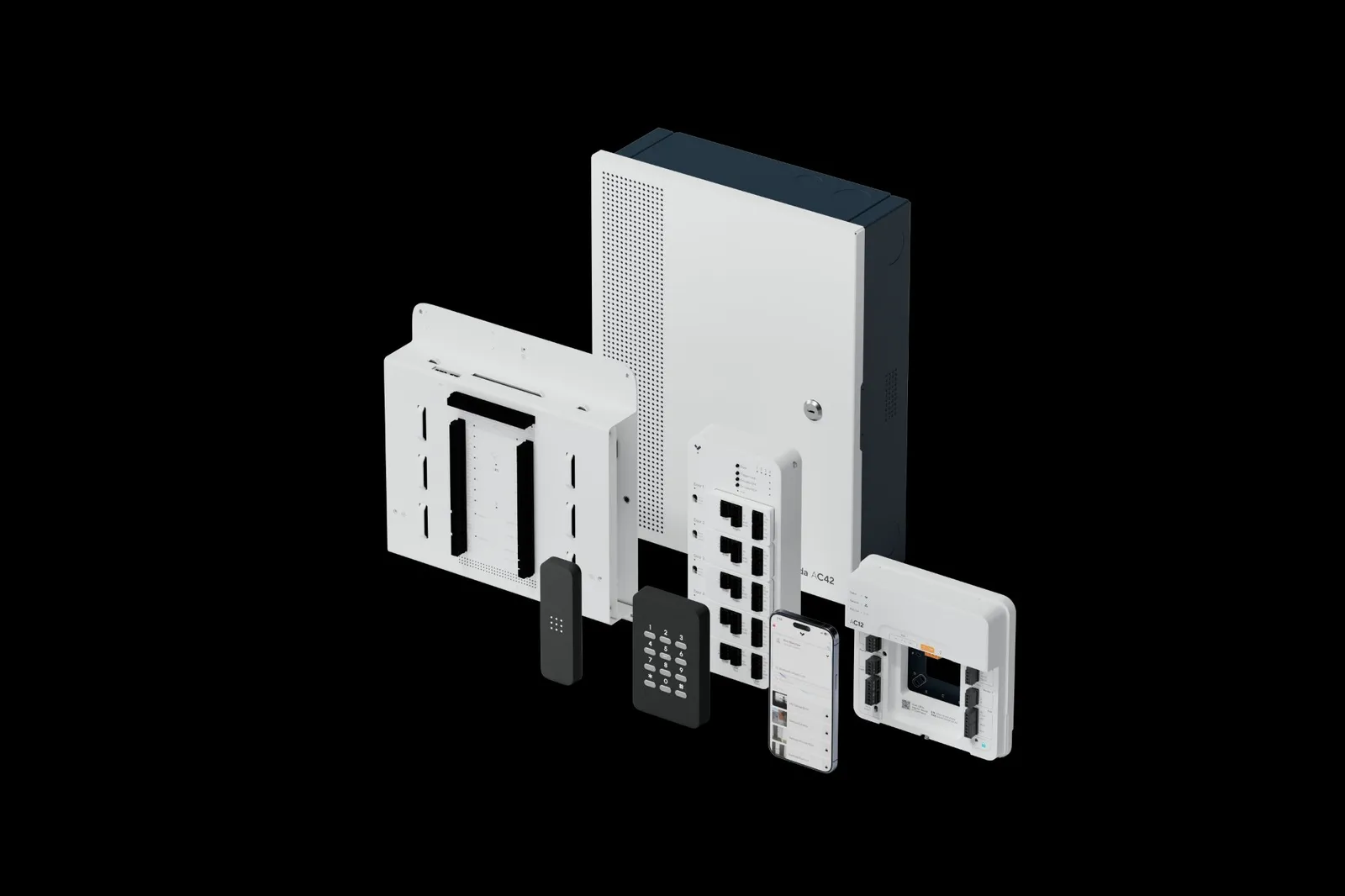

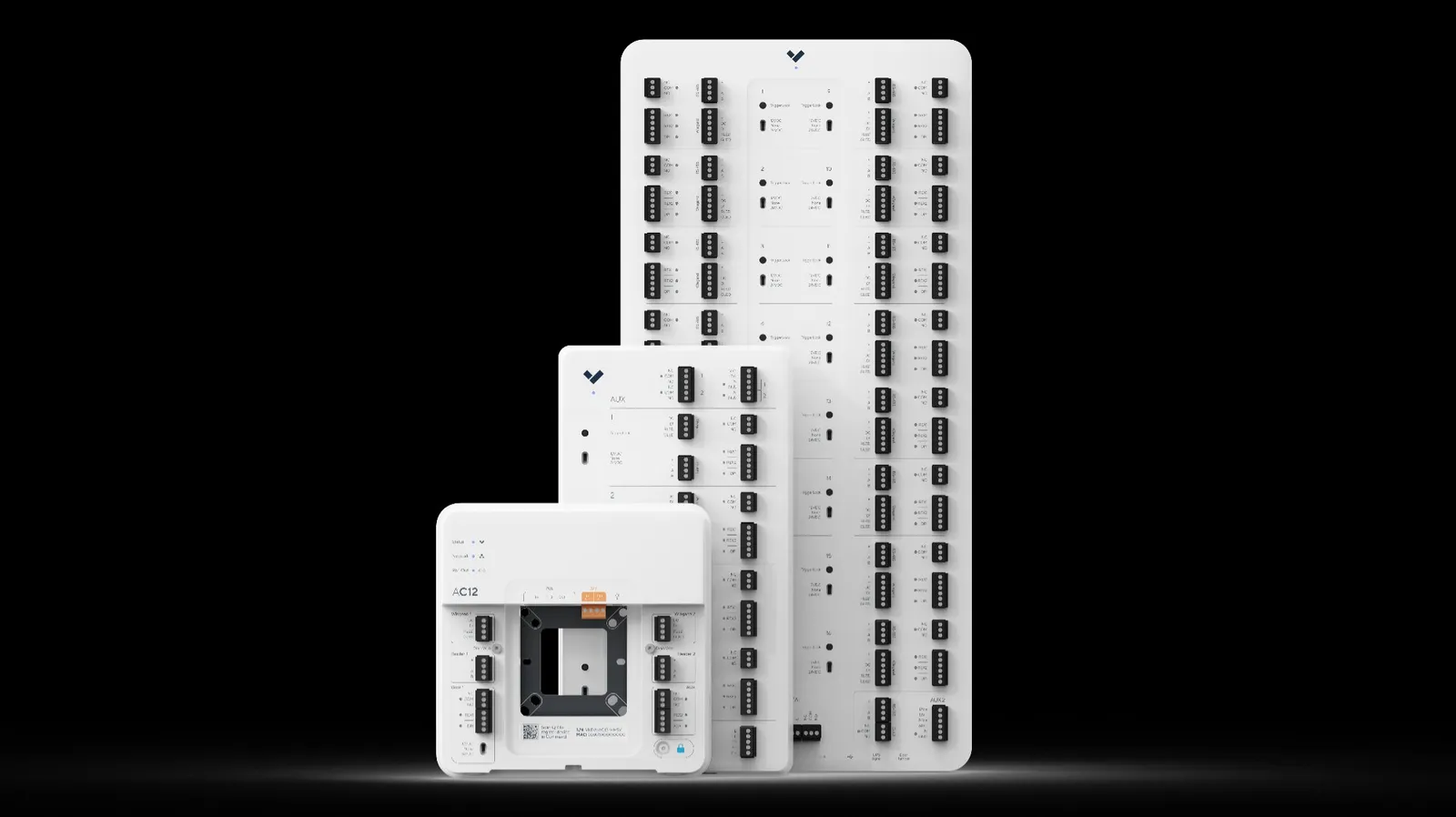
Cloud-First Door Management
Verkada's access control is managed entirely in the cloud through Verkada Command. Add users, assign access levels, and unlock doors from your phone — no on-site server needed.
- Remote unlock from any device, anywhere
- Instant credential provisioning & revocation
- Scheduled access rules & time-based permissions
- Full audit trail of every door event
- Unified with cameras for visual verification
Modern Credential Options
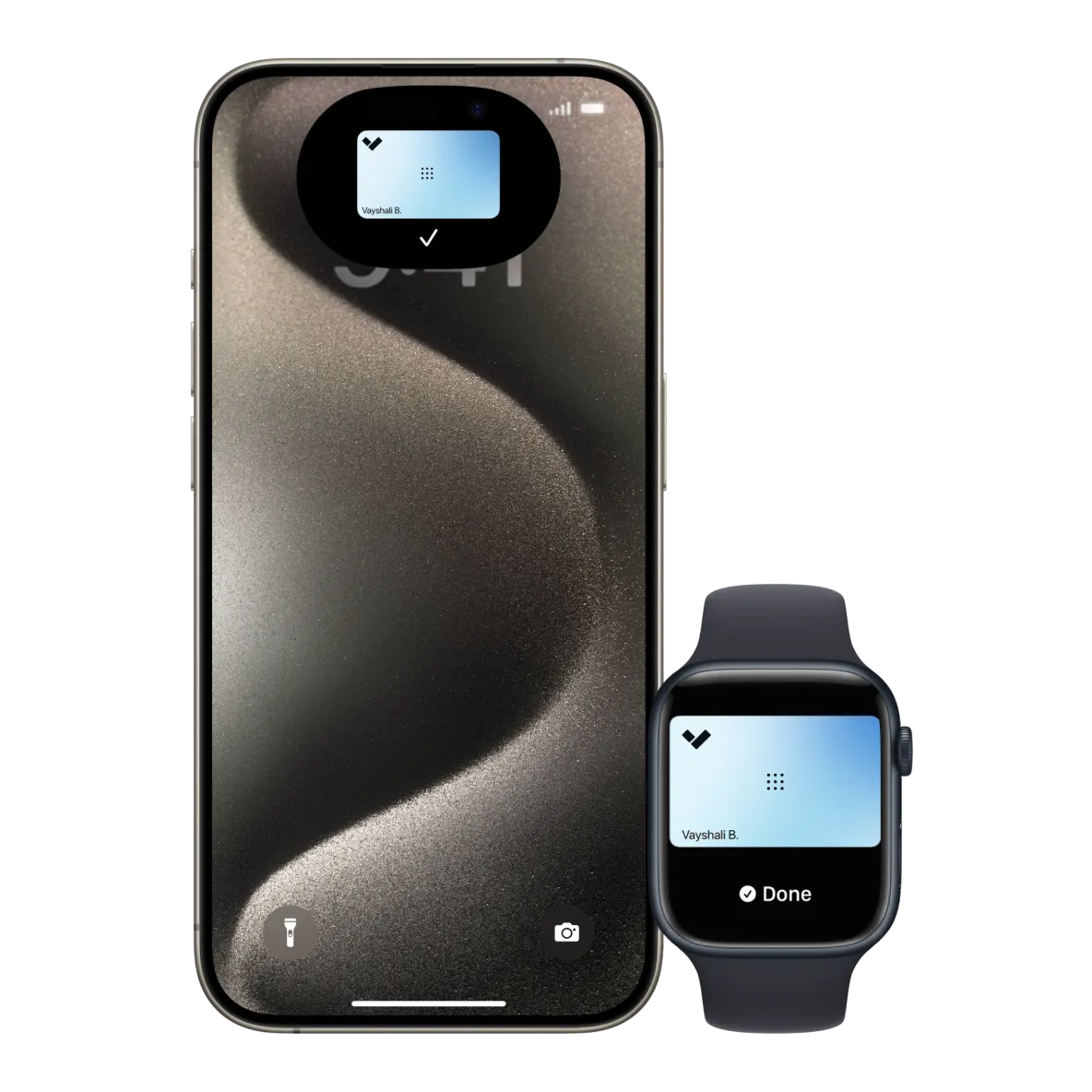
Offer employees and visitors the credential experience that works for them — from traditional keycards to smartphone-based mobile access, Apple Watch, and PIN codes.
- RFID card & fob credentials
- Mobile credentials via Verkada Pass app
- Apple Watch & wearable support
- PIN code entry & QR code visitor access
- Biometric reader support
Seamless Camera Integration
Every access event is linked to a camera clip — instantly see who badged through any door, on any day, in seconds. True unified physical security.
- Auto-linked video clip for every door event
- One-click jump from access log to camera footage
- Tailgating & forced door alerts
- Door-held-open notifications
- Integrated with alarms and sensors
Access Control Hardware
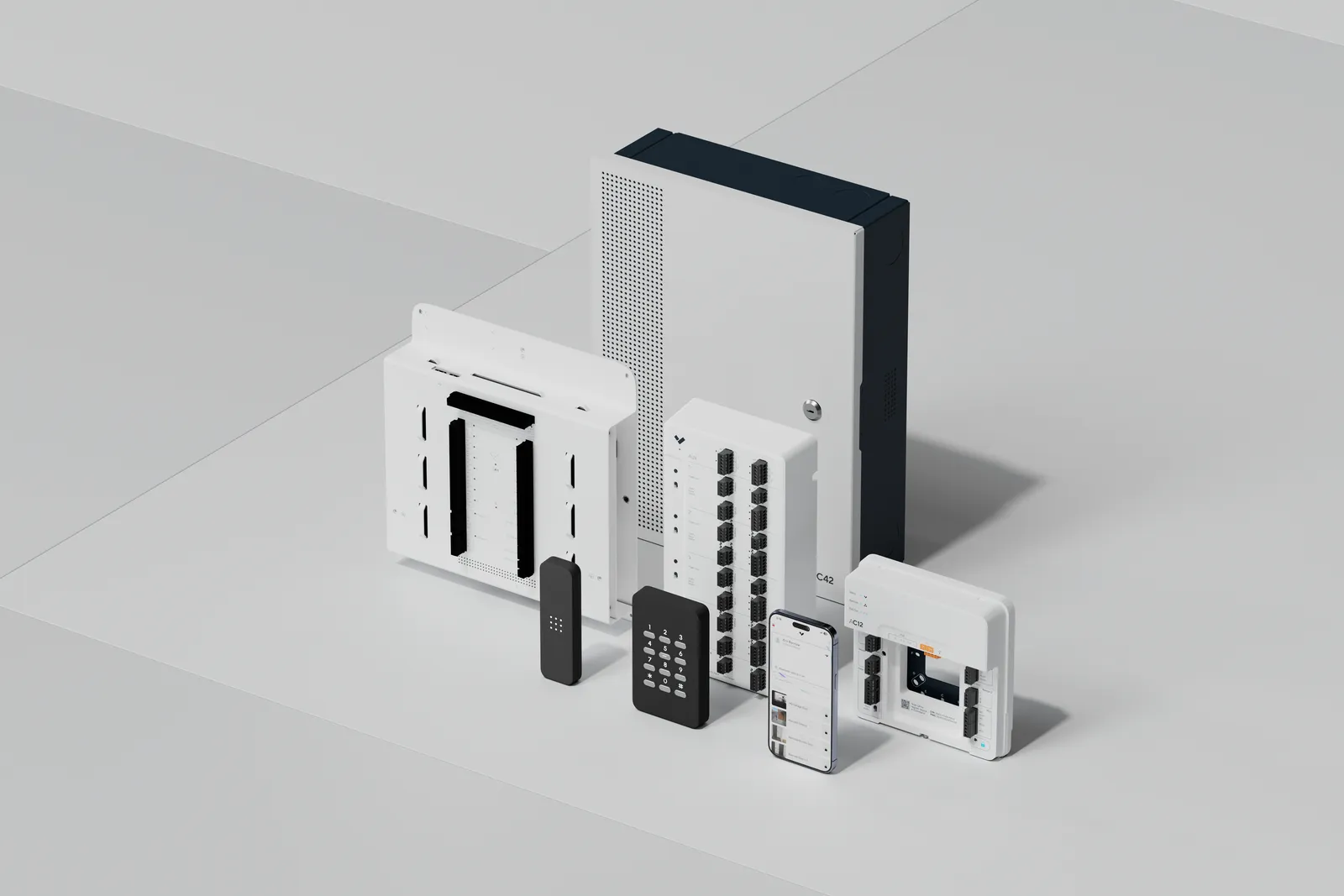
Door Controllers
- AC12 single-door controller
- AC42 multi-door controller
- PoE powered — no separate PSU
- Fail-secure & fail-safe modes
- Tamper detection built-in
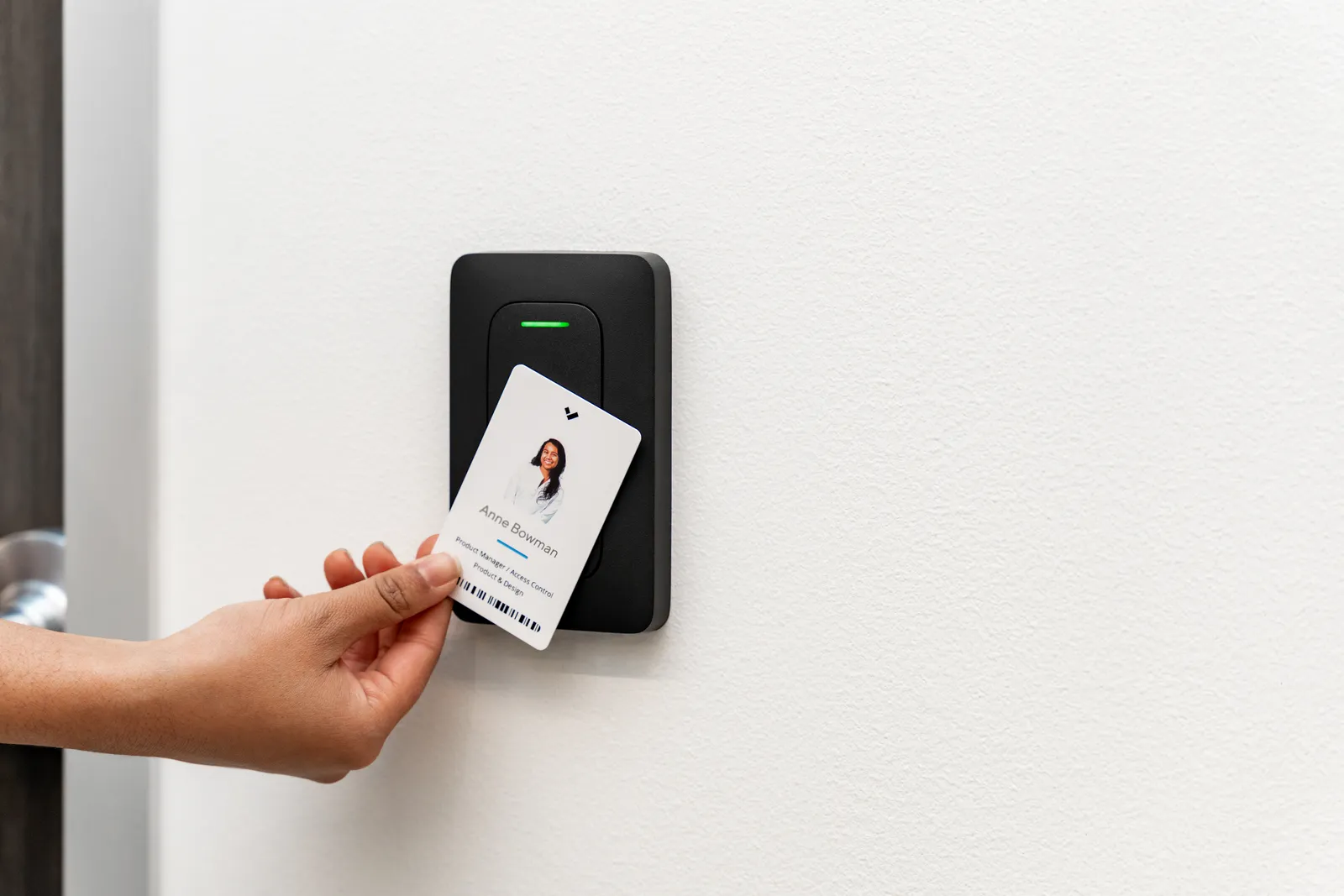
Card Readers
- OSDP & Wiegand support
- LED & audible feedback
- Indoor & outdoor variants
- Touch keypad available
- Sleek modern design
🔒 Door Hardware
- Electric strikes & maglocks
- Panic bar integration
- Glass door compatibility
- Elevator control support
- Gate controller options
Biometric Readers
- Fingerprint readers
- Facial recognition entry
- HIPAA-compliant options
- Anti-spoofing technology
- Cloud-enrolled biometrics
Frequently Asked Questions
Common questions about Verkada cloud-managed access control from Blue Cap IT, an official Verkada Gold Partner — door controllers, card readers, mobile credentials, and biometric entry for businesses across Maryland, DC, Delaware, New Jersey, Pennsylvania, Virginia, North Carolina, and South Carolina.
Can Verkada access control replace my existing card reader and door lock system, or do I have to start over?
In most cases, you can reuse existing hardware. Verkada's door controllers (AC12 for single doors, AC42 for multi-door installations) speak OSDP and legacy Wiegand, so they're compatible with most existing card readers, electric strikes, magnetic locks, panic bars, gate controllers, and elevator interfaces. The cloud management, mobile credentials, video integration, and audit trails are what you're adding — not necessarily a hardware tear-out. We'll audit your current door hardware during a free site assessment and tell you exactly what carries over.
What credentials can my employees and visitors use to unlock doors?
Pretty much any credential you want. RFID cards and fobs work like a traditional system. Mobile credentials in the Verkada Pass app turn smartphones into badges — tap to enter, no app to open. Apple Watch and other wearables are supported. PIN code entry on touch keypads works for shared spaces. QR codes can be generated for visitors and contractors with time-limited access. Biometric options (fingerprint and facial recognition) are available where compliance and security requirements demand them. You can mix and match — different doors can use different credential types.
What happens to door access if my internet goes down?
Doors keep working. Verkada controllers store a local copy of your access policies and continue authorizing badges, mobile credentials, and PIN codes even when disconnected from the cloud. Door events queue locally and sync to Verkada Command once connectivity returns, so you don't lose audit history. If you have a 5G cellular gateway or backup ISP, the controllers fall back to those automatically. The cloud is the brain — but the doors don't go offline if the brain takes a nap.
How does Verkada access control integrate with cameras and alarms?
Every door event automatically links to camera footage from cameras covering that door. When someone badges in, the system attaches the video clip — so you can see who actually walked through, not just whose credential was used. Tailgating alerts fire when more people enter than badges scanned. Forced-door and door-held-open events trigger camera clips and Command alerts in real time. Access control also integrates natively with Verkada alarms and environmental sensors, so a door opening after-hours can arm or disarm the alarm panel automatically.
Can I start with one or two doors and add more later?
Yes. The AC12 controls a single door; the AC42 controls four. Both are PoE-powered (no separate power supply), tamper-detected, and managed through the same Verkada Command dashboard as your other doors and cameras. You can start with the front entrance, add server room and exterior doors next quarter, then layer in elevator control or gate controllers later — all under one license model and one dashboard. There's no rip-and-replace when you expand.
Still have questions? Call (410) 858-4031 or request a free access control assessment — we'll evaluate your existing door hardware, recommend the right Verkada controllers and readers, and quote your full project with itemized pricing.
Start with a Free Access Control Assessment
Blue Cap IT will evaluate your facility, recommend the right Verkada access control solution, and handle installation end-to-end.