Verkada Command
The unified cloud platform that ties every Verkada device together. One login. One dashboard. Complete physical security visibility.
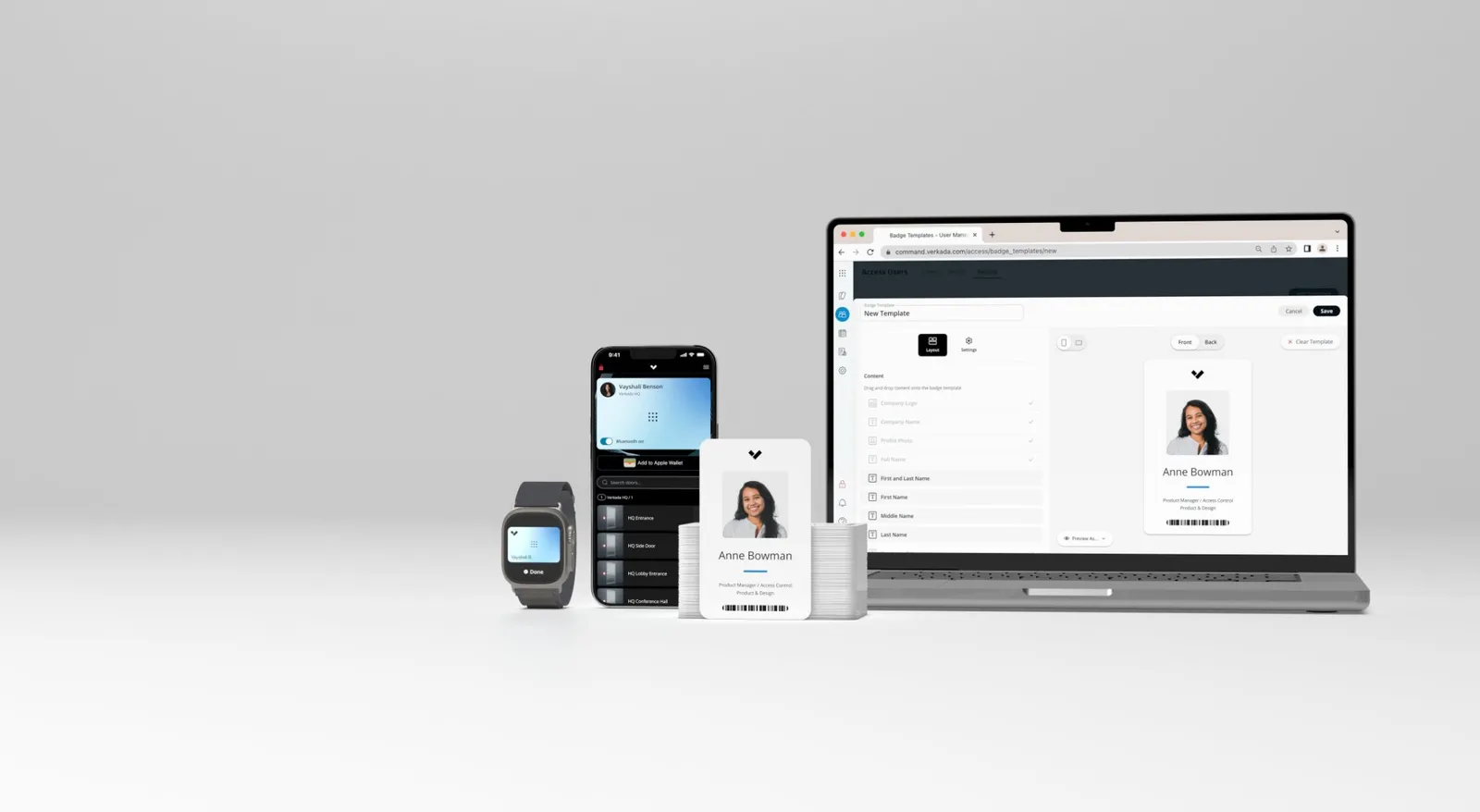

One Dashboard for Everything
Verkada Command unifies cameras, access control, sensors, alarms, and intercoms in a single browser-based interface. No switching between apps or systems.
- Live camera feeds and archived footage
- Real-time access control events and door status
- Sensor readings and environmental alerts
- Alarm status and incident history
- Visitor logs and intercom activity
Zero IT Infrastructure Required
Verkada Command is 100% cloud-hosted. No on-site servers, no VPNs, no complex network configuration. Devices plug in and appear in your dashboard automatically.
- No NVR, DVR, or on-premise servers
- No VPN required for remote access
- Automatic firmware updates by Verkada
- 99.9% uptime SLA from Verkada
- End-to-end encrypted data transmission
Enterprise-Grade User Management
Granular role-based access control means every user sees only what they need to. Integrate with your existing identity provider via SAML SSO.
- Custom roles and permission levels
- SAML 2.0 SSO (Okta, Azure AD, Google)
- Multi-organization and multi-site support
- Full admin audit trail
- Mobile app for iOS & Android
Searching in Verkada Command
See how easy it is to search across all your cameras, doors, and devices from one unified dashboard.
Frequently Asked Questions
Common questions about Verkada Command — the cloud platform that unifies cameras, access control, alarms, sensors, intercoms, and visitor management — from Blue Cap IT, an official Verkada Gold Partner serving businesses across Maryland, DC, Delaware, New Jersey, Pennsylvania, Virginia, North Carolina, and South Carolina.
What is Verkada Command, and how do I access it?
Verkada Command is the cloud platform that unifies every Verkada device — cameras, access control, alarms, sensors, intercoms, visitor management — in one browser-based dashboard. You access it at command.verkada.com from any modern browser, with no VPN, no port forwarding, and no client software to install. The same dashboard works on a desktop, a tablet, or a phone, and there are dedicated iOS and Android mobile apps for live view, playback, and remote unlock on the go.
Is Verkada Command included with the cameras, or do I pay separately?
Command is included with every Verkada device license. When you buy a camera, door controller, or sensor, you pay an annual or multi-year license per device that covers cloud storage, software updates, AI analytics, the Command dashboard, mobile app access, and warranty. There's no separate per-user fee, no extra charge for the platform, and no Command tier upsell. Adding more users to your organization doesn't add cost — the license is per device, not per seat.
How does user management work — can I limit what each person sees?
Yes, in detail. Command supports custom roles with granular permissions, so you can give the office manager full access to one site while limiting a department head to only their floor's cameras. Permissions can be set per camera, per door, per location, and per function (live view only, archive access, user management, etc.). Every admin action is logged in an audit trail — who logged in, what they viewed, what they changed, when. The mobile app respects the same permissions as the web dashboard.
Does Verkada Command integrate with our identity provider — Okta, Azure AD, or Google Workspace?
Yes. Command supports SAML 2.0 SSO with all major identity providers including Okta, Microsoft Entra ID (formerly Azure AD), and Google Workspace. This means employees sign in with their work credentials and lose access automatically when they leave the company — no separate Command password to revoke. Multi-factor authentication is enforced through your IdP, and provisioning rules can be managed centrally. Blue Cap IT handles the SSO integration during onboarding.
How does Verkada handle data security and uptime?
Command is hosted on a hardened cloud infrastructure with end-to-end encryption for data in transit and at rest, regular third-party penetration testing, and a 99.9% uptime SLA from Verkada. Footage is encrypted on the camera, encrypted in transit, and encrypted in cloud storage. Verkada is SOC 2 Type II certified and meets compliance standards required by healthcare, education, finance, and government clients. If something does go wrong, your cameras keep recording locally and your access control keeps functioning — Command going offline doesn't take down the physical security itself.
Still have questions? Call (410) 858-4031 or request a free Verkada Command demo — we'll walk you through a live dashboard, show how user permissions and SSO work with your environment, and quote your full project with itemized pricing.
Experience Verkada Command
with Blue Cap IT
We'll walk you through a live Verkada Command demo and show you exactly how it would look with your organization's devices and layout.